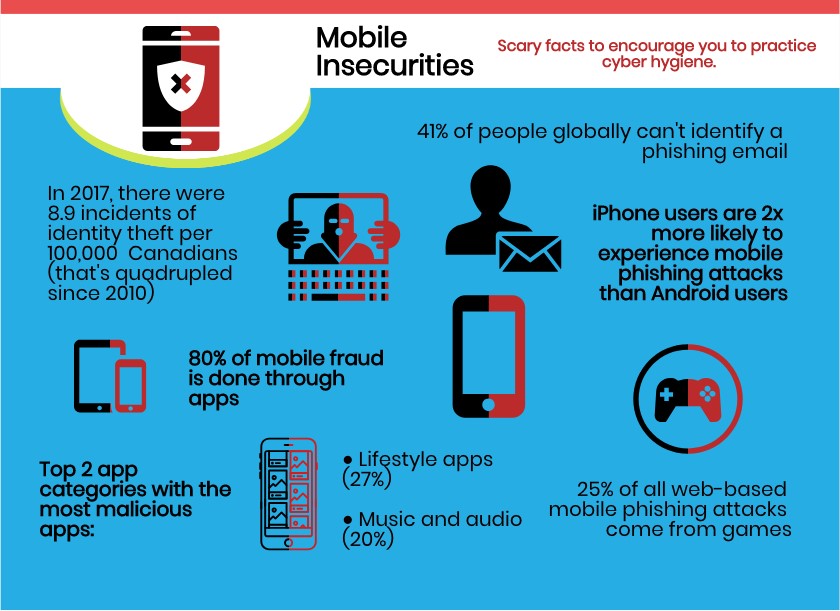
While personal privacy protection may seem daunting, there are many steps individuals can take to prevent unauthorized access to their data and online resources to help enhance their security. Understanding the fundamentals of user privacy can contribute to a safer and better digital life. The following solutions can help build individual autonomy, human dignity, security and safety, foster trust and establish the universal human right to privacy.
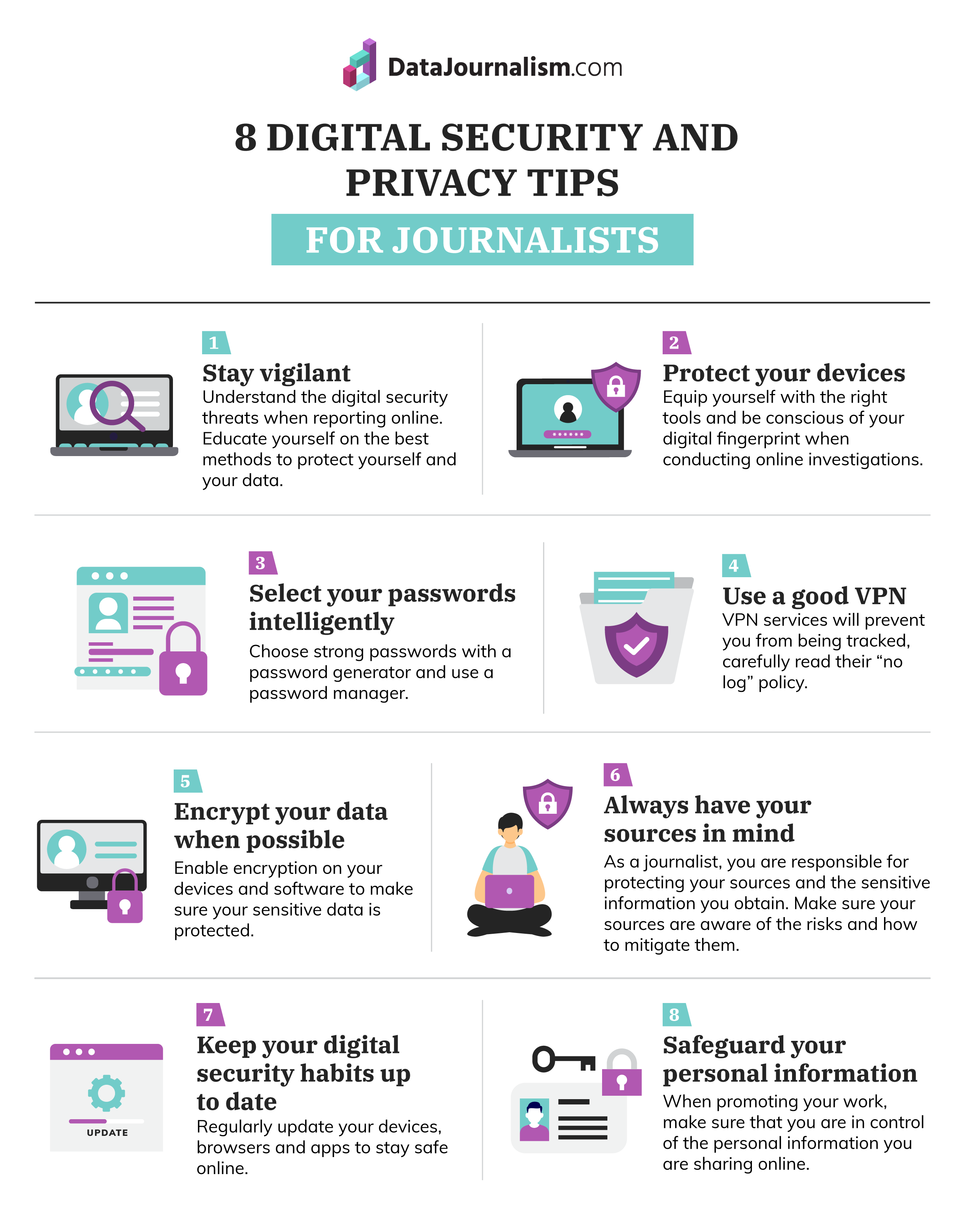
Cyber hygiene refers to practices one can implement to safeguard data and security and
protect personal privacy. Use unique and strong passwords for different websites, accounts and devices with
two-factor authentication (2FA). Ensure that your passwords are random, lengthy, avoid obvious names, and
contain special characters and at least eight or more characters. Password managers such as Norton Password
Manager, NordPass, Dashlane and Bitwarden are effective ways to store your passwords and safeguard your
privacy online. The strongest two-factor authentication that is harder to intercept would be sending the second
factor to an application like Authy or Google Authenticator on your phone. Additionally, download the
latest security updates for your device to repair bugs, add new features and increase efficiency. Automatically
lock devices when not in use to clear any data.
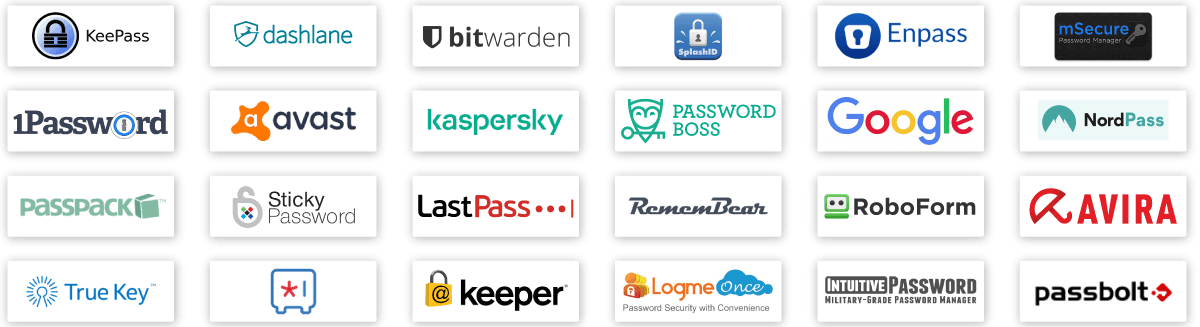
Online scams can trick people into providing their personal details to malicious
actors. Phishing is a popular email scam that redirects individuals to unsafe websites that appear to be
legitimate and credible in order for them to provide personal information like passwords and credit card
numbers. These unsolicited links can be sent via email, text messages or phone calls that may contain malware.
Be wary of spelling or grammatical errors, external links to other websites, inaccurate email addresses and
domains, suspicious links and email spam from unknown sources. Don’t open or respond to emails from unknown
senders, and avoid downloading email attachments unless they are from a trustworthy source. Remain vigilant for
these signs and confirm the site is secure with an HTTPS protocol.
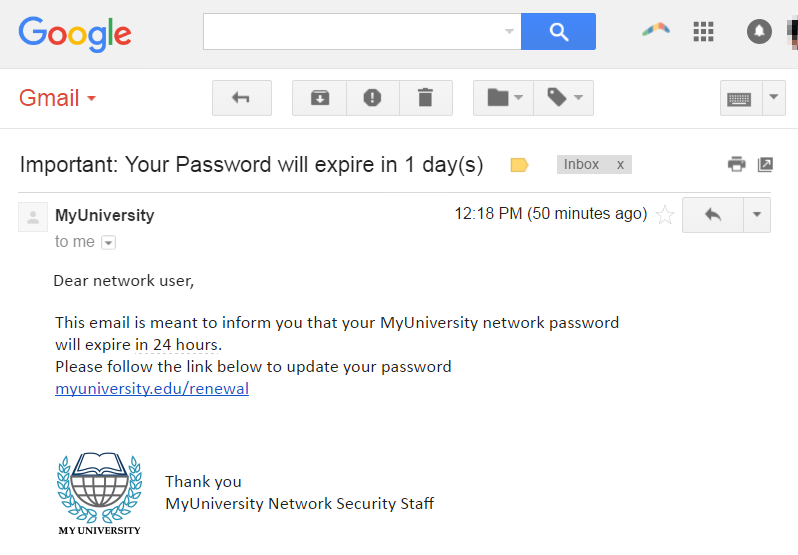
It’s important to acknowledge that people may not be able to control what happens to
their personal information online. Avoid sharing excessive personal details and allowing public access to your
social media pages. On social networking sites, adjust privacy settings so only people you know well have access
to your personal details and review what you are posting consistently. Make sure to use encrypted messaging
apps. For browsers, turn off ad personalization to prevent invasive tracking and adjust the settings to control
cookies and pop-up ads. Always review and manually adjust your privacy settings to ensure you’re not depending
on default settings.
Individuals can implement security measures to protect their personal information and
clear their tracking history. While desktops and browsers have built-in security features, people can also
install antivirus and security software such as Bitdefender, Avira, McAfee, Avast and Malwarebytes for
enhanced protection. Download and regularly update the latest operating system and firewall software. A
Virtual Private Network (VPN) adds additional security on public wireless networks by encrypting internet
history and enabling private browsing. This can be beneficial when sending and receiving data on public
networks. It’s also best to use browsers rather than applications for privacy reasons. Apps regularly collect
personal data by accessing people’s phones whereas browsers cannot. Delete unnecessary apps from your phone and
use a browser instead.

- Matt Mitchell, Founder of CryptoHarlem

The OPC publishes documents on how to protect your private information online. They investigate complaints and reports to the federal government while promoting public awareness and understanding of privacy rights.

A leading nonprofit organization promoting user privacy, free expression & justice. They publish helpful educational guides, activist workshops and articles about online privacy.

An organization that defends the right to privacy and prevents governments & corporations from exploiting technology. They offer advice about privacy protection against mass surveillance and advertisement technology.